nubd Register: sign up from your phone in one screen
The form asks for a mobile number, a password and a tick on the terms box. No email, no branch visit, no paperwork to print.
- bKash, Nagad, Rocket, Upay
- Code sent to your own number
- Live chat open 24/7
18+ · Play Responsibly
Claim the new member bonus in one deposit
The first top-up carries the biggest boost, and the bonus lands in the same balance you play from. Two rules matter more than the rest: it stays locked until you play through it, and it runs out seven days after it is credited.
Send your first deposit, then clear KYC inside a day
You do not need documents to open an account, but you do need them to take money out. Plan the two together: a deposit today, one photo upload tonight, and a withdrawal once review closes.
First deposit, ৳400 minimum
bKash, Nagad, Rocket, Upay and bank transfer all reach the balance in about 4 minutes. Send from a wallet registered in your own name, because the deposit name has to match the account name at review. The deposit guide lists each wallet step by step.
One ID document for KYC
A single photo of your National ID card, passport or driving licence starts the check. Review takes up to 24 hours. Upload it before you request a withdrawal rather than after, so the payout is not sitting held while a document is pending.
First withdrawal, up to 2 hours
Once approved, the first cash-out can take up to 2 hours. The minimum withdrawal is ৳1,400 and the Classic tier allows ৳65,000 a day. Later requests follow the same review steps, so keep the document on file current.
Keep the number and the name in step
The mobile number on the form receives the SMS code and every withdrawal confirmation. If you change SIM, tell live chat and update the profile before you request a payout, or the confirmation will land on a number you no longer hold.
Check each field before you press Register Now
Five inputs, and only one of them can be left empty. Here is what each box actually accepts.
| Field | What we accept | Why it matters |
|---|---|---|
| Mobile number | 11 digits starting with 01, on bKash, Nagad, Rocket or Upay | Carries the SMS code now and withdrawal messages later |
| Password | 8 characters or more, letters and numbers mixed | Used at every login from the site or the app |
| Confirm password | The same password typed a second time | Catches a typo before the account is created |
| Referral code | Optional: the code of the player who invited you | Credits the ৳350 referral reward to that player |
| Terms box | One tick | Confirms you are 18 or older and accept the house rules |
Nothing else is collected at sign-up: no email address, no home address and no selfie.
Move from the form to your first bet in four steps
-
1
Fill the form on this page
Type the mobile number that receives your SMS, then choose the password twice. Add a referral code only if a friend sent one. Tick the terms box and press Register Now. Everything sits on one screen, so nothing is spread over several pages.
-
2
Confirm the code we text you
A code arrives by SMS within a minute. Type it into the box that appears and the account goes live. If nothing lands, check that the number starts with 01 and that your inbox has space, then ask for one resend before you change anything.
-
3
Deposit at least ৳400
Open the deposit screen, pick bKash, Nagad, Rocket, Upay or bank transfer, and send ৳400 or more. The 175% first deposit bonus attaches to that payment automatically, and the balance usually shows the money inside about 4 minutes.
-
4
Send one ID document
Photograph your National ID card, passport or driving licence and upload it from the profile page. Review takes up to 24 hours. Do it now rather than at withdrawal time, so the first payout is never held while a check is still open.
Fix the five snags that stop a sign-up
Almost every failed registration is one of these five. Read the middle column first, because the fix usually sits there rather than in the form.
| What you see | Why it happens | What to do |
|---|---|---|
| No SMS code after a minute | Busy network, or one digit typed wrongly in the number | Wait 60 seconds, compare the number against your SIM, then request one resend. Still empty? Ask live chat to confirm the number on file. |
| "Number already registered" | An account was opened earlier with this wallet number | Do not open a second one. Go to the login page and reset the password instead; duplicates are closed at KYC. |
| Password rejected | Under 8 characters, or the two boxes do not match | Use letters and numbers together, and type the second box by hand rather than pasting. Avoid your birth year and your wallet PIN. |
| Referral code not accepted | A typo, a stray space, or a code from another brand | Clear the field and leave it empty; the account still opens. Ask the friend to resend the exact code from their profile if you want it tracked. |
| Terms error on submit | The box at the bottom of the form was left unticked | Scroll to the last field, tick the box and press Register Now again. The form keeps what you typed, so nothing has to be retyped. |
Straight answers to what players ask at the form
Six questions that come up again and again in live chat while the form is open.
Can I register with a Nagad or Rocket number instead of bKash?
How long does the check take after I upload my ID?
I forgot my password. Should I register again?
Does the referral code cost me anything?
Do I need the app to register?
What if the code never comes and I cannot finish?
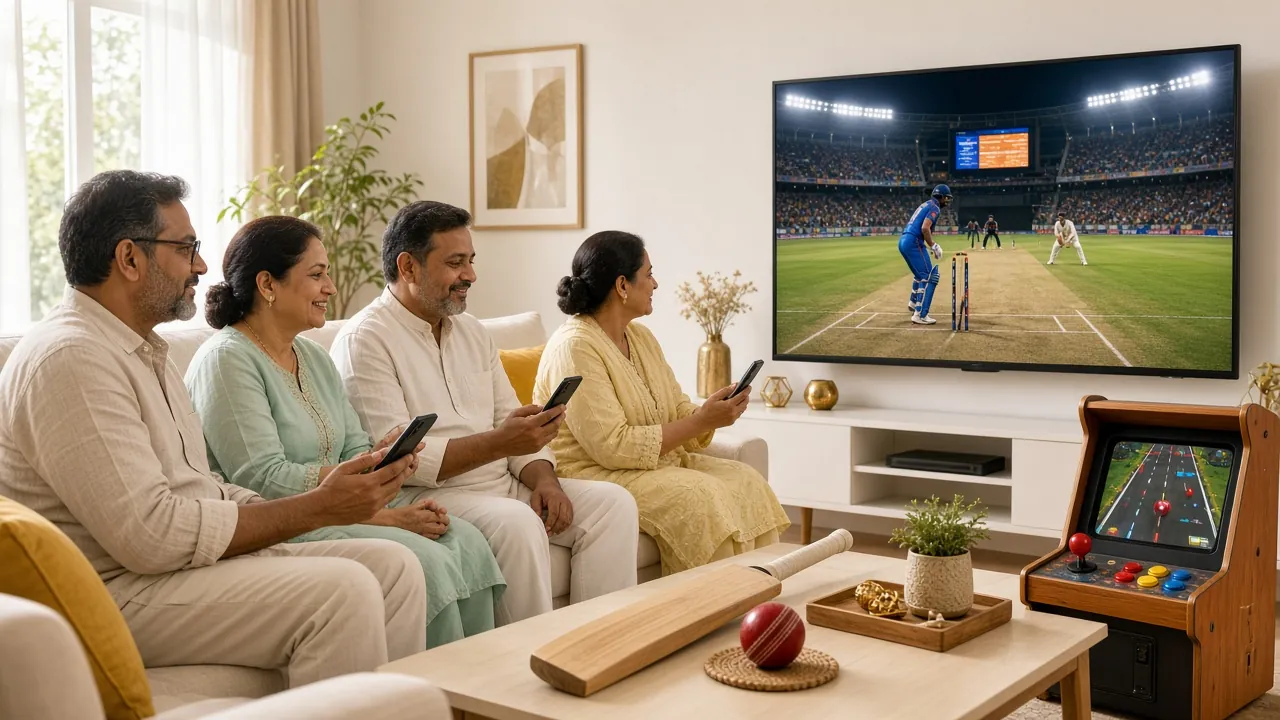
Keep the account open on the app after you register
The app uses the same login you just created. It pings you when a withdrawal is approved, keeps your betting slip for cricket markets, and works on a slow connection. Install it after signing up rather than before, since the download asks for the same mobile number you typed into the form.